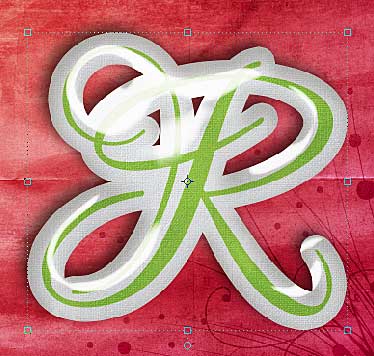
I love the coordinating styles that some with some digital kits, such as Flerg’s glitter styles so today I’m going fill you in on how you can use them to add a special something to your next layout. Some of you may not have used styles before, if that’s you – great! Hopefully you’ll be… Continue reading Using styles in Photoshop Elements
Author: Melissa
The 30 Day Facebook/LoveBook Challenge
One of my friends on Facebook invited me to this challenge and I liked the idea so much I had to share it with you. Ok, I’m issuing a Facebook Challenge.So much of our lives, especially on Facebook, is all about us. Heard a message (twice!) by Penny Webb at Riverview that got me thinking;… Continue reading The 30 Day Facebook/LoveBook Challenge
Blue and Green should never be seen…
Welcome to the Color Combo Blog Hop!If you arrived from Digi Page blog you are in the right place! If you are here and didn’t come from the previous blog, I am listing the hop below my post so you can go start back at the beginning if you wish.We were all challenged to come… Continue reading Blue and Green should never be seen…
How to extract an image in Photoshop Elements
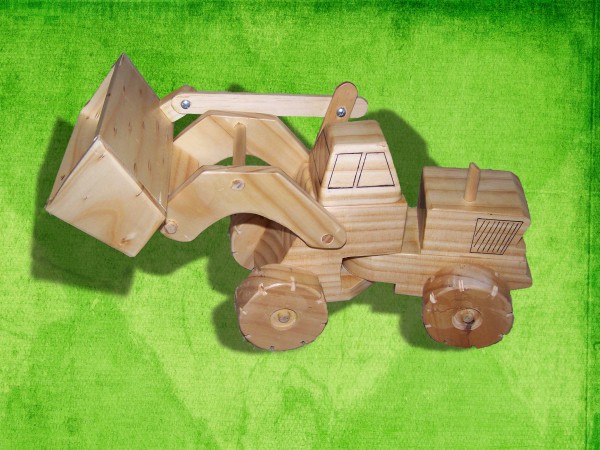
Today I thought I’d highlight some handy tips for extracting photos in Photoshop Elements. I try to make it easy on myself by selecting a photo with a fairly defined image to extract. Here’s my starting point. This one is not too easy as the carpet isn’t that different in colour to the truck, so… Continue reading How to extract an image in Photoshop Elements
Mother’s Day 2011
I really enjoyed mothers day morning this year – a little different from last year when Phill was on sound at church and I had to get a little almost one year old ready by myself! This year I had scrambled eggs and tomatoes made for me, but Phill and Emily’s plan for bringing me… Continue reading Mother’s Day 2011
Oh Adobe I think this was a little bit of overkill
But thanks for the free USB drive! Do find the postage systems used my big companies confusing? I do! It seems like everything I order from Shutterfly gets posted individually too! But I’m not complaining – I love the extra mail! Melissa PS there’s still a great deal on Photoshop Elements over on my Learn… Continue reading Oh Adobe I think this was a little bit of overkill
Photoshop Elements Tutorial – Dodge and Burn tools
Just a quick note to let you know about my tutorial over at Learn to Scrapbook in Photoshop Elements.It’s all about how to use the dodge and burn tools in Photoshop. A tip for those doing some digital scrapbooking!If you want to learn more – why not head over and register for my latest free… Continue reading Photoshop Elements Tutorial – Dodge and Burn tools
How can I use the dodge and burn tools?
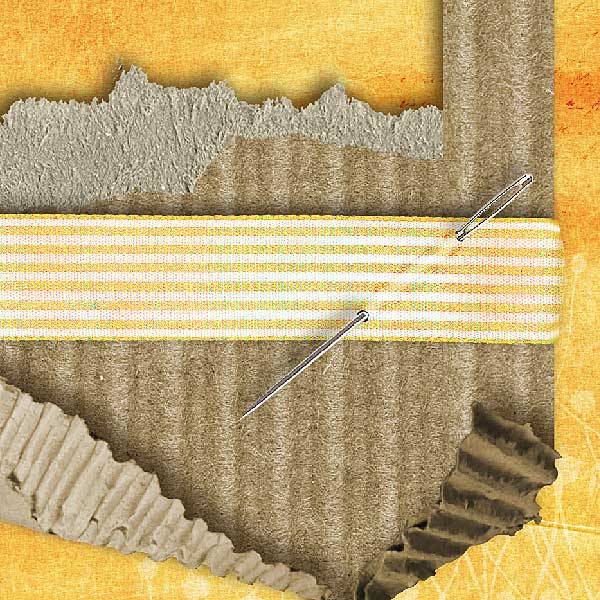
I’ve been gathering some questions from you – so let’s jump straight in and answer one! One way I use the burn tool is to “ink” the edges of papers that I’ve clipped to a template. For example on this template from The Daily Digi, I’ll use it on the scallops: Before: After burning the edges at… Continue reading How can I use the dodge and burn tools?
One Little Word April Self Portrait
April Self Portrait, a photo by mshanhun on Flickr. So I tried a slightly more coppery based tone in my foils this time (and dyed the underneath), just to give me a little change, but without having to cut my slow growing hair much. Thanks Carlie for the great job you did – I love… Continue reading One Little Word April Self Portrait
Emily calling Ray!
I just had to share this funny video of our daughter Emily calling Ray (Grandad to you, young lady!). Getting him to clear away all of the dishes. After hearing Grandma call Ray to take across a glass – Emily copies much to Phill and Grandma’s delight! Emily calling ‘Ray’ It had us in stiches!… Continue reading Emily calling Ray!