I’m working along with Katie in her workshop over at Big Picture Classes. It’s all about using your time effectively to make more scrapbook pages, you can read more about Power Scrapping here. So far I have a few sets of photos together for layouts I’m working on: My 29th Birthday I’ll turn this on… Continue reading Power scrapping with Katie: my work in progress
Author: Melissa
New52 Crafting out and about
Image via CrunchBase A few months ago I found this Craft meetup group in Perth and I finally got to go to the May meetup. I really enjoyed meeting up with four other crafty women, who were knitting, crocheting and smocking, and of course chatting. I managed to use my Martha Stewart train punch,… Continue reading New52 Crafting out and about
One Little Word June OLW Blog Hop
Welcome to to my stop on the One Little Word blog hop. If you’ve come from Rebekah’s blog welcome! The full list of blogs is at the end of this post. For our April prompt, I took a photo of myself and I wrote a letter to my self, which is still sitting in the… Continue reading One Little Word June OLW Blog Hop
Perth Digital Scrapbooking Workshop 13 June
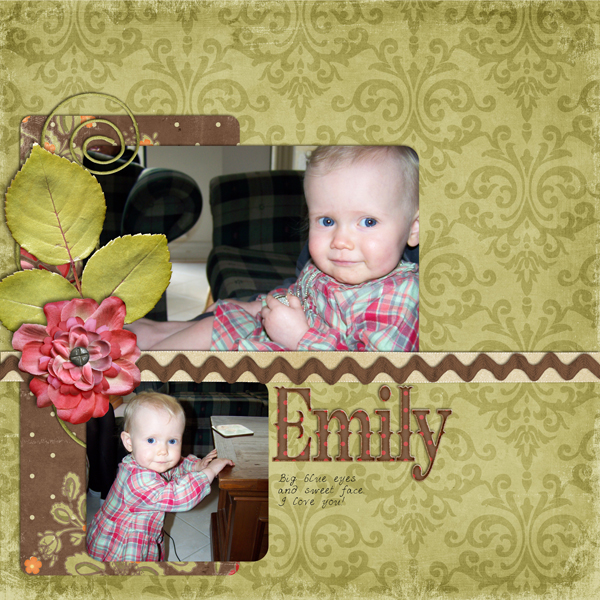
Join the Perth digital scrapbooking community for an in person workshop On Monday the 13th of June I’ll be holding a group digital scrapbooking workshop. We’ll create a scrapbook page in Photoshop Elements based on a template and answer any questions you may have along the way. The workshop includes: Display of completed pages and… Continue reading Perth Digital Scrapbooking Workshop 13 June
How to add brushes to Photoshop Elements
I just wanted to let you know about a new tutorial video on How to install and use brushes in Photoshop Elements over on my Learn to Scrapbook in Photoshop Elements site. I hope you find it helpful! Melissa *affliliate links where possible- please use them to support my blog*
How to add brushes to Photoshop Elements
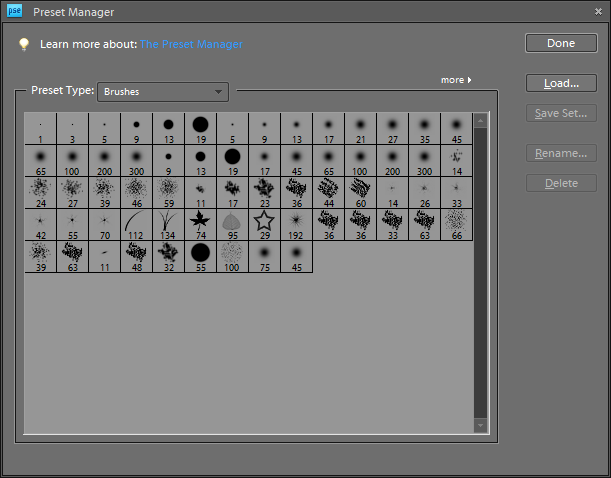
In today’s video I’ll show you: How to install brushes in Photoshop Elements and use them. How to use the Preset Manager to add brushes to the brush list permanently How to save a custom set of brushes Installing brushes in Photoshop Elements For more information about brushes, check out Workshop 3: Misting, stamping, inking… Continue reading How to add brushes to Photoshop Elements
What do I do now? June Photoshop Elements Workshop
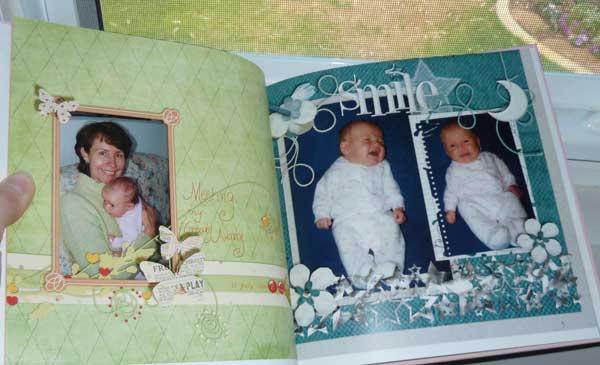
So what do you do once you’ve created a page? You can share it online, add it to a digital photo frame or print it share it with others in person. Confused about the best way to save your files to upload them and share them? Come and join my free online workshop! Over the… Continue reading What do I do now? June Photoshop Elements Workshop
New52 – Bye-bye Oven
One thing that we were looking forward to at our new home was a double oven. After using 900mm ovens all our married life, I was a bit cautious of going back to a 600mm oven.Then once it was installed the oven never worked. Or rather the timer never worked – the click never lit… Continue reading New52 – Bye-bye Oven
Perspective Papers
How do I use perspective papers? from Mary I’ve not done any work with perspective papers myself, but I’d recommend these tutorials on creating fantasy/scene LOs in the Scrapbookgraphics forums. Creating a Scene Reflections – It’s all in the details Ground Zero – How to Get in the Grass As far as perspective work goes,… Continue reading Perspective Papers
Organising the Digi Files
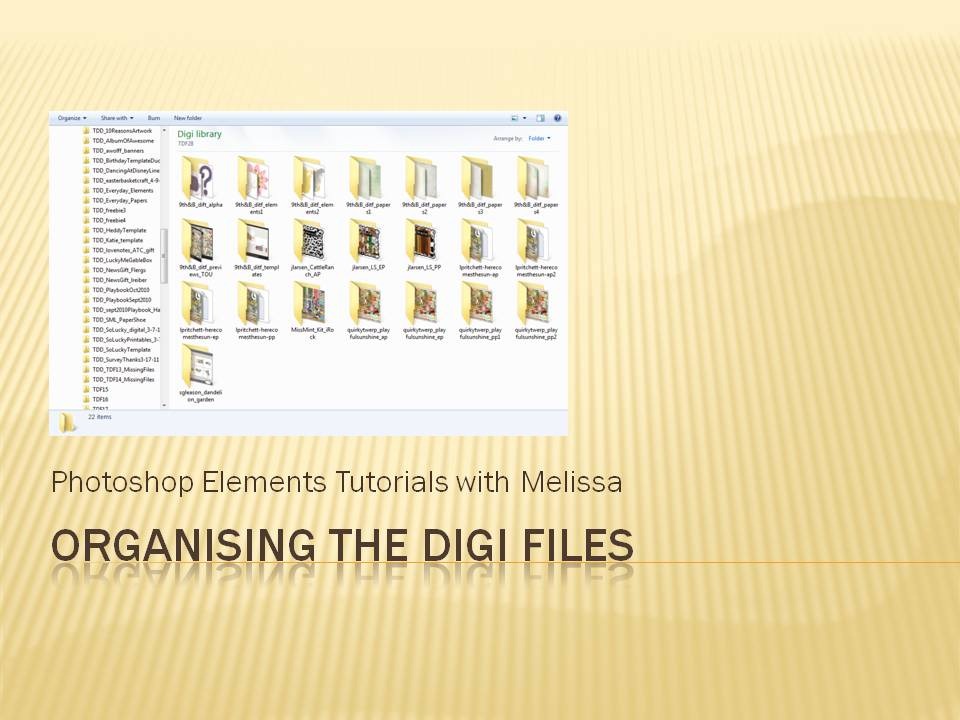
A couple of months ago I contributed to a post over at the Daily Digi about using and organising the Digi Files Melissa S.: This is my process – Download into a TDF## folder in my Digi folder on my PC Unzip with Unzipthemall Import into PSE Organizer Add them to TDF## album Tag all… Continue reading Organising the Digi Files